How do I type Nepali using English letters?
+
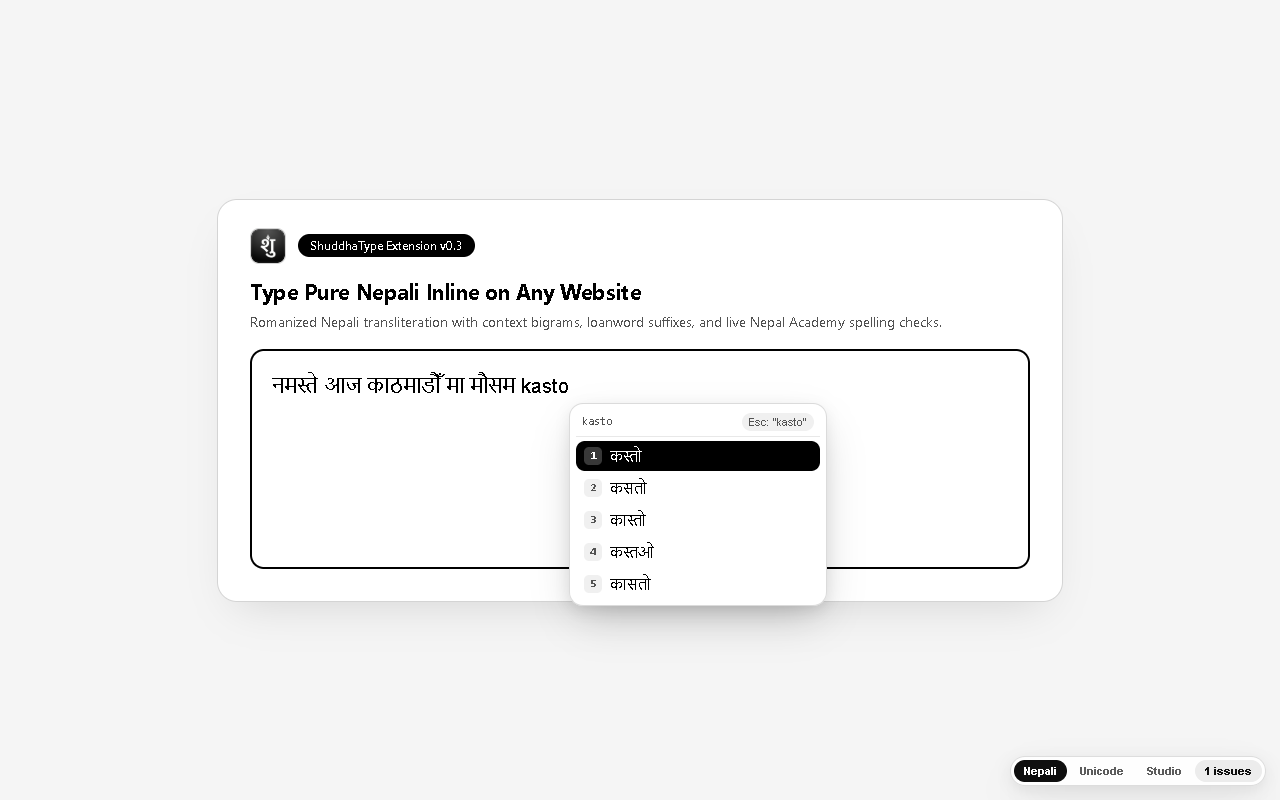
Type any Nepali word phonetically in English letters (for example, "namaste", "kathmandu", or "dhanyabad") and press Space to convert to the top suggestion, or press keys 1–5 (or tap a word chip on mobile) to pick another spelling. Press period (.) after a Nepali word to insert purna biram (।).
What if Space picks the wrong Nepali word?
+
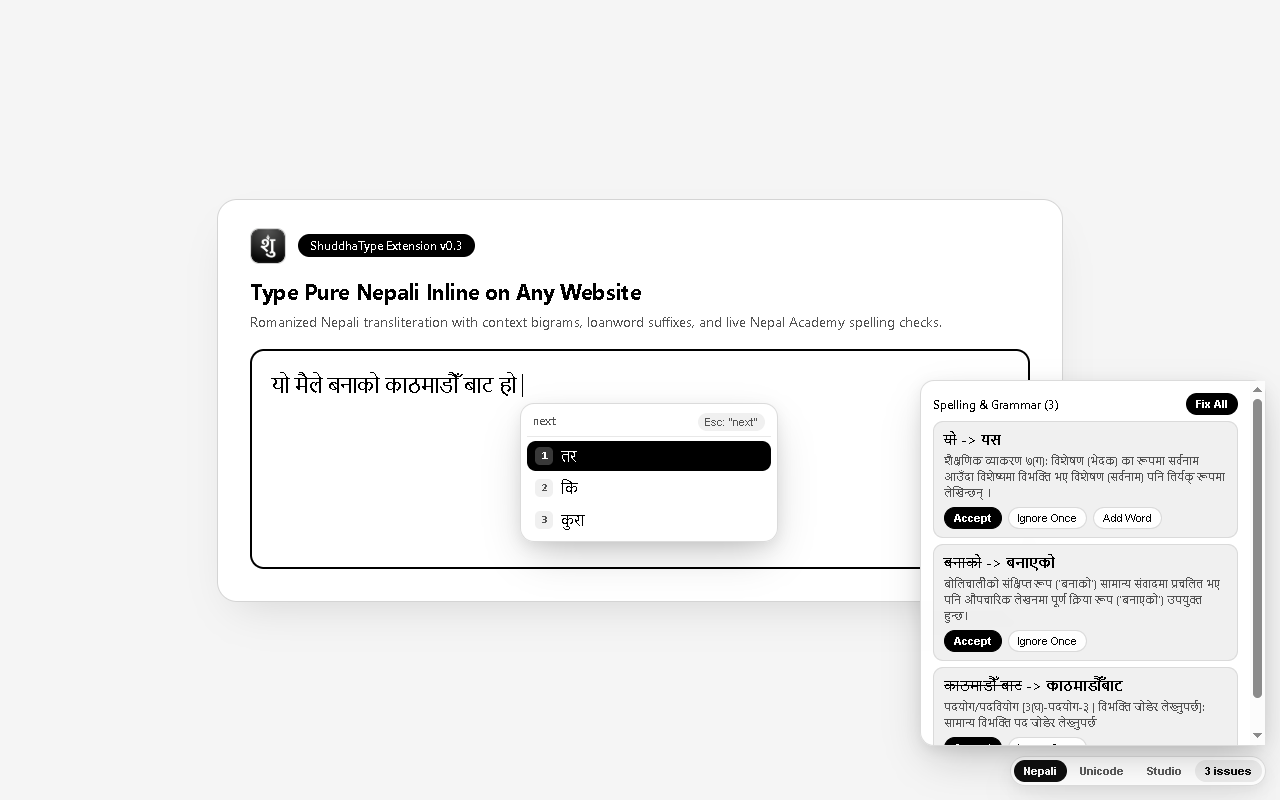
Press Backspace once right after converting a word. ShuddhaType restores the exact Roman letters you typed so you can pick a different candidate with keys 1–5 or Arrow keys—without retyping.
How do I keep English words, links, or numbers unchanged?
+
Website URLs, email addresses, decimals and dates (like 3.14 or 2026-11-28), @mentions, #hashtags, and ALL-CAPS acronyms such as API, PDF, or URL stay in English automatically. To keep any lowercase word in English, wrap it in backticks like `hello` or press Esc to keep what you typed literally.
Does the Preeti converter fix broken legacy PDF or Word text?
+
Yes. You can paste legacy Preeti font text into the converter to get clean Devanagari Unicode (UTF-8), or convert Unicode back to Preeti. Built-in auto-sanitize repairs stray smart quotes and common copied glyph glitches while keeping website links, numbers, and Nepali abbreviations such as रु. or पृ. intact.
Where can I use ShuddhaType?
+
Use ShuddhaType right here on shuddhatype.space from any phone, tablet, or desktop browser with no install. For typing inside Google Docs, Gmail, or web forms on desktop browsers, install the Chrome, Edge, or Firefox extension. For Microsoft Word, Notepad, Excel, and desktop apps on Windows 10/11, install the Windows desktop app.
Does ShuddhaType upload or log what I type?
+
No. All typing conversion, spell checking, and Preeti ↔ Unicode processing run locally on your device inside your browser or desktop app. ShuddhaType has no user accounts, no cloud typing APIs, and no telemetry.